Clouds in motion — Godot vs Sanctum, through the lenses
2026-06-28 · real GPUs · the camera dollies forward + down through your cam-B vantage, so the merged masses fill the frame the whole time — the actual scene you've been flagging, now in motion. Godot 4.6 (Vulkan) vs our three.js port (D3D11), and the same move shown through the analytical lenses.
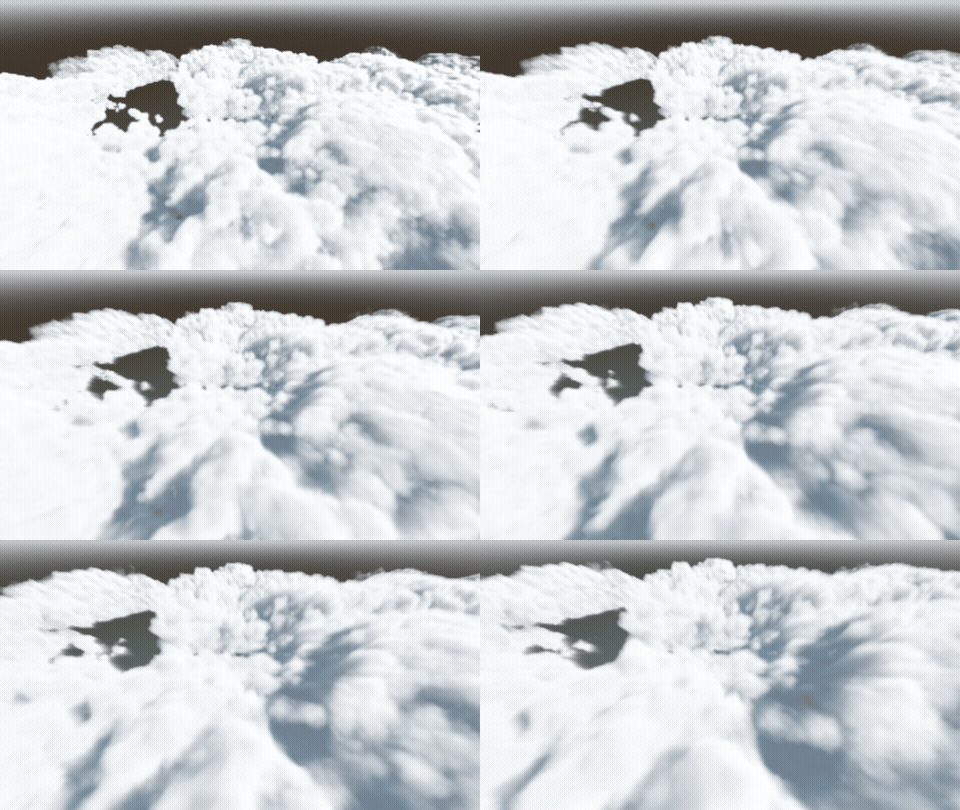
1. The reference vs us — beauty (shading)
Same flight, same kind of cloud. Watch the darks: Godot's crevices stay deep as it moves; ours go pale (milky) on the merged left mass.
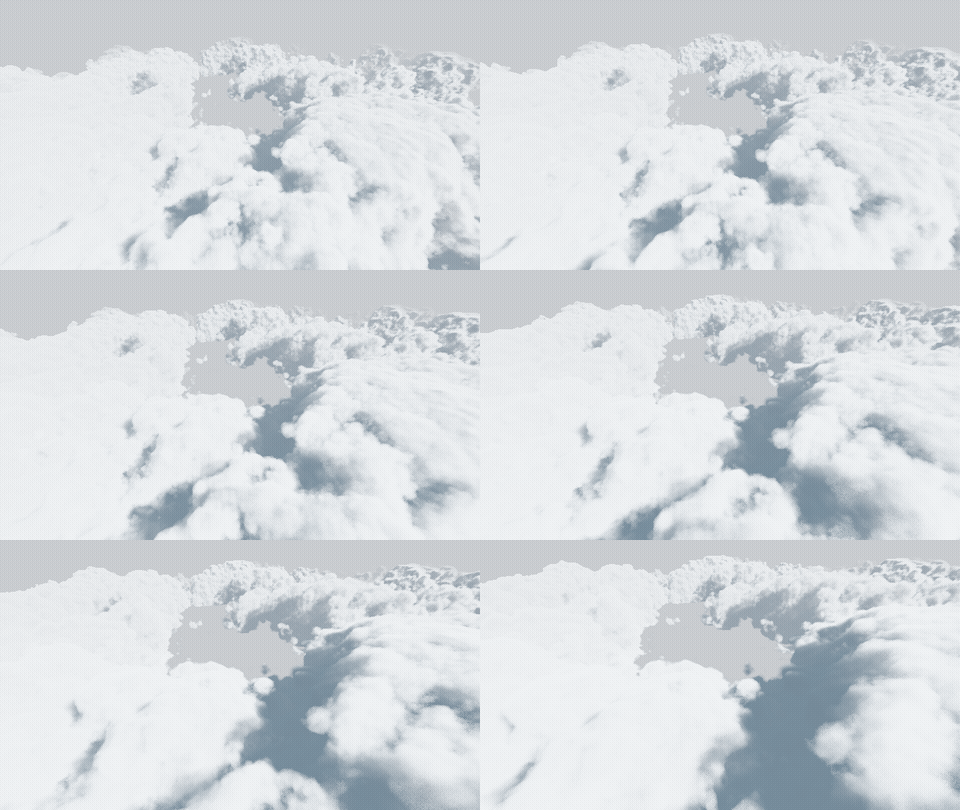
2. The fix, in motion
Our port, current vs ambient ×0.6 + self-shadow — the crevices deepen toward Godot, the glare settles into form, the bright tops are untouched.
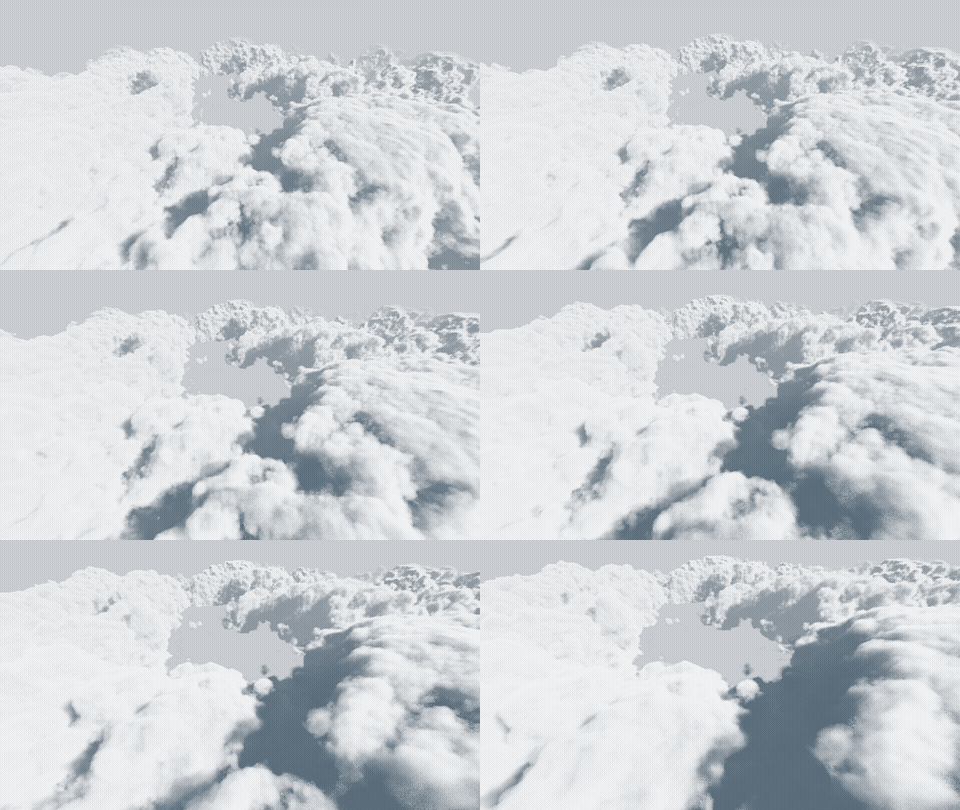
3. Why — the analytical lenses (our instruments)
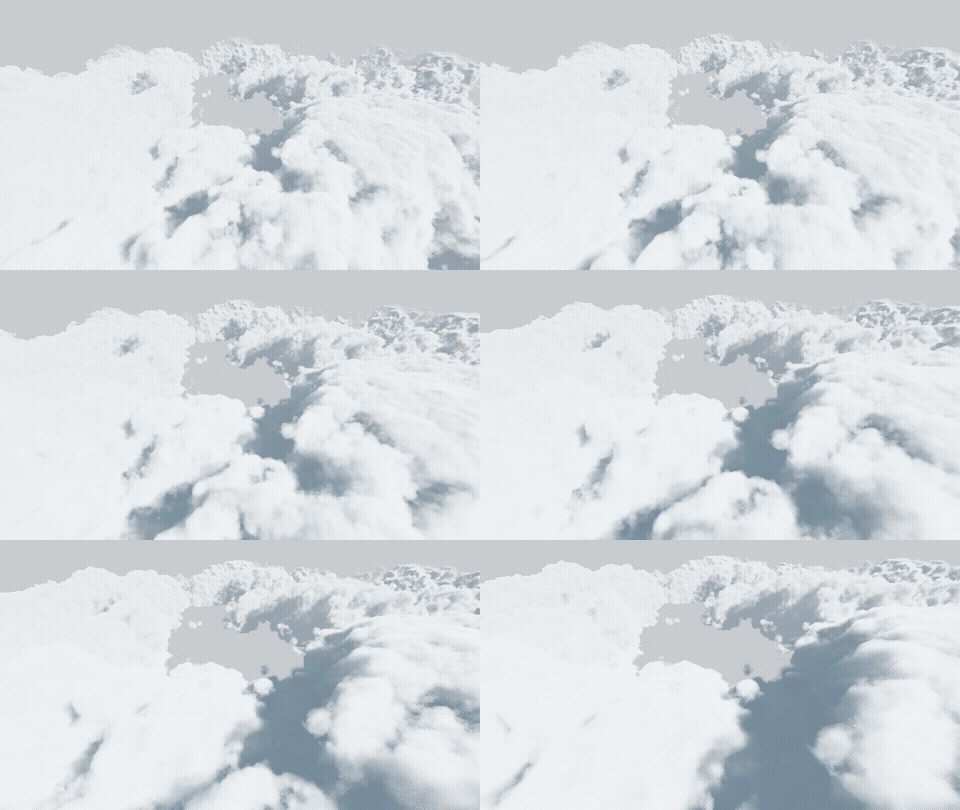
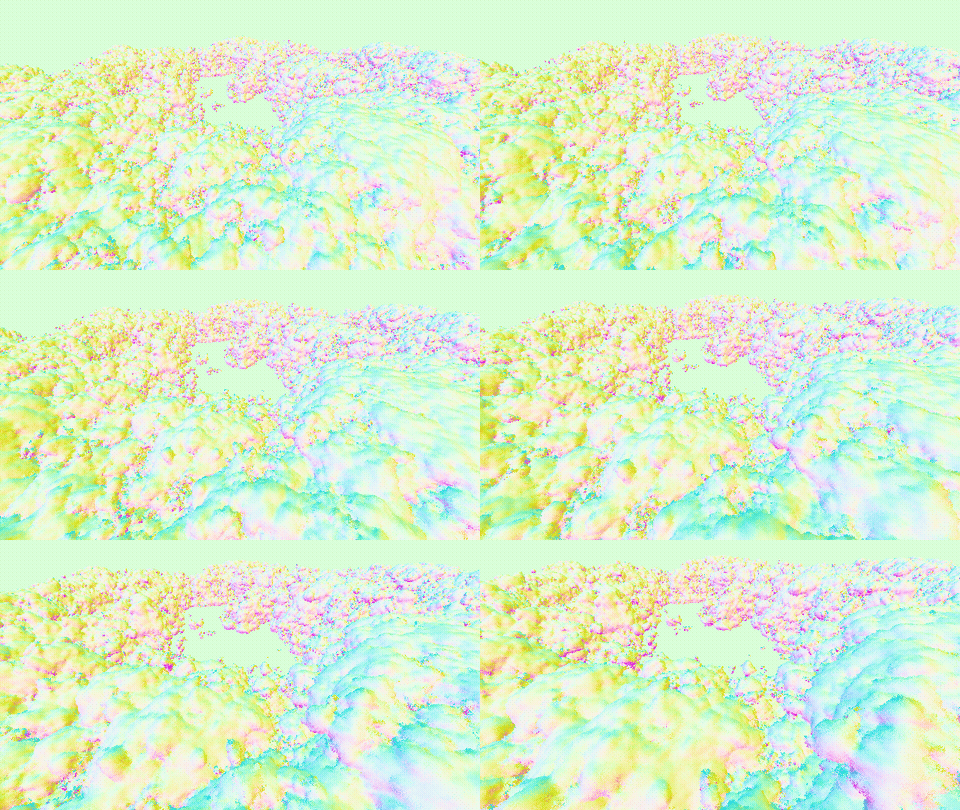
The same flight rendered as value (pure luminance — the value structure your eye reads) and normals (surface form / ∇density — the clumping). Where value goes flat-grey and normals go smooth, that's the merged mass with no relief for shadow to bite.
Drive it yourself
The live renderer with knobs + all five lenses (shading · value · relief · light/self-shadow · normals) and Merged A/B camera jumps:
▶ Open the live labTry: click Merged B → drag Ambient → ~0.6 → flip the lens to Value then Normals. And the real Godot is open on your machine to fly (WASD / right-mouse).
What the eye-model says to watch here (from the value-structure finding): your eye tracks the dark end of the histogram, not the brightness. In motion, Godot keeps its darks; our current port loses them on the merged mass; the ambient fix puts them back. Method: qa/tools/_lens-gif.mjs (port, anim on) + Godot _cap.gd along the shared path + ffmpeg. The CD's eye is the verdict.